Here is the part nobody tells you about buying a sublimation printer: the machine is the easy decision. The hard part is the ten quiet choices that come after it. Which paper takes the ink cleanly. Which blank holds a print through forty washes. Which evening you give up because the colour on the screen and the colour on the shirt are two different colours. I have made all of those choices badly at least once.
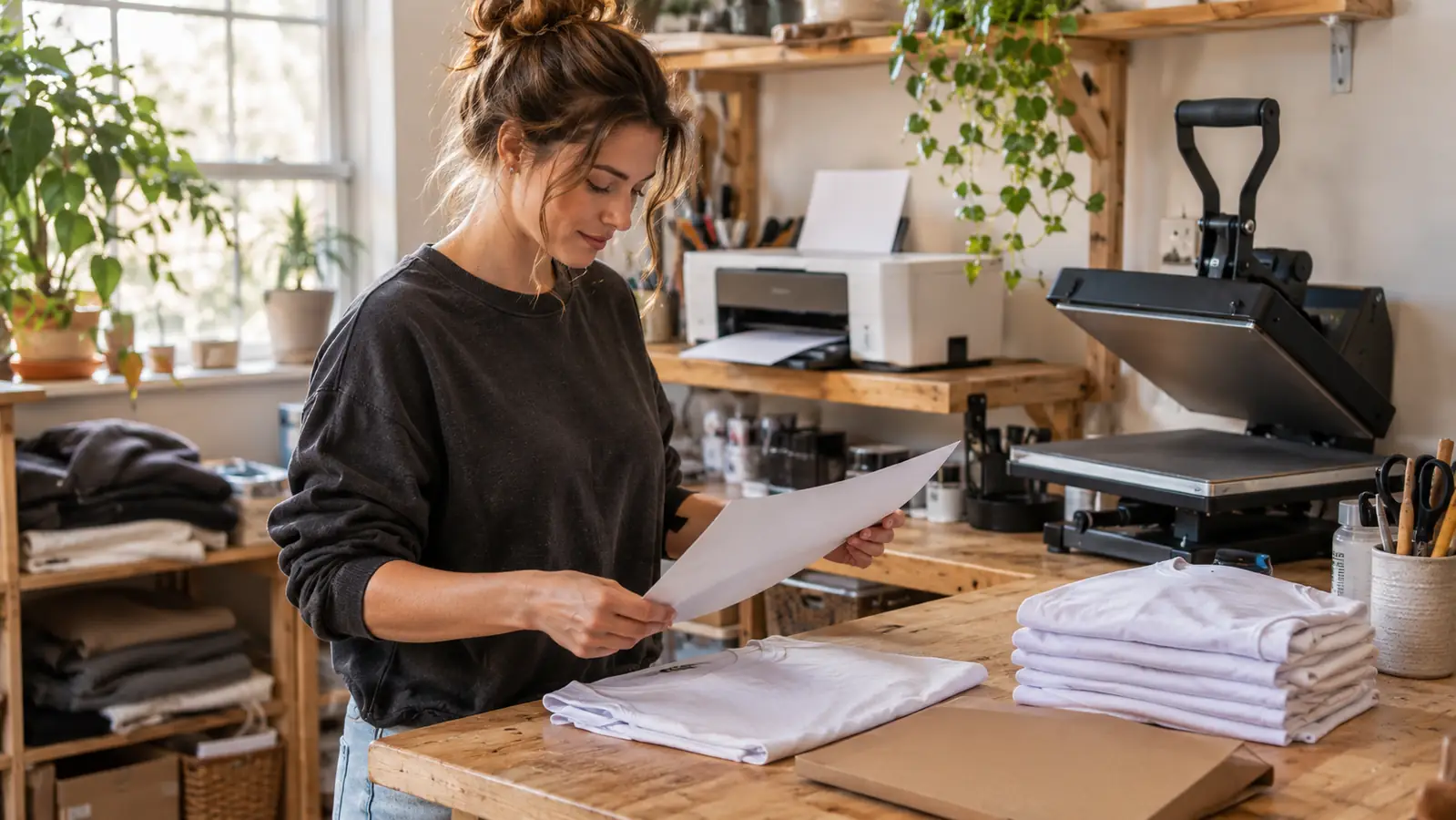
I run a small heat press and sublimation business out of a converted spare bedroom in Vancouver, Washington. Four years ago I made matching shirts for a family reunion and never quite stopped. When the Brother Sublimation Printer arrived in the press room, I had already spent a long stretch with a converted EcoTank, so my expectations were shaped by a machine that was never designed for this job. That turned out to matter more than any spec sheet.
I want to be clear about what kind of review this is. Nobody shipped me this machine in exchange for a kind word, and I have no interest in pretending a printer rearranged my life. What I can tell you is what it changed in the press room, what it did not, and which lines of the listing you should read twice before you decide.
The Quick Verdict
A tidy dedicated dye-sublimation printer that does its best work inside the Brother Artspira app. Buy it for the workflow and the footprint, not for the freedom to run whatever software you like.
Amazon Check Today's Price →The setup night that finally stopped fighting me
Same bench, same heat press, one fewer thing to troubleshoot before a paying order goes out. That is what this machine actually bought me.
Amazon Check Today's Price on Amazon →What the Brother Sublimation Printer Actually Is
It is a dedicated dye-sublimation printer, which means it was built for transfer work from the start rather than converted into it. The ink set is cyan, magenta, yellow and black. It prints in colour onto fabric and thermal paper. There is an LCD display and touch controls on the unit, and the machine weighs 7.9 pounds and measures 10.8 inches deep, 20.1 inches wide and 19.1 inches tall.
That size is the first thing that surprised me. My converted unit plus its external ink tank needed more bench space and a permanent low-level worry that someone would knock the tank over. The Brother sits on a shelf in the press room and stays there. At 7.9 pounds I can lift it myself when a big shirt order needs the whole bench, which happens more often than I would like.
The other thing to understand before you buy is that this is not a printer you drive from a desktop program you already love. The listing is direct about it: the machine is powered by the Artspira Creative App for your phone or tablet, and you have to download the app before you can print at all. That is the design, not a limitation that gets patched later.
The flow is short and it is the same every time. Create or bring a design into Artspira, transfer it, print, heat press, finish. Four of those five steps happen without a laptop in front of you. Whether that sounds freeing or claustrophobic tells you most of what you need to know about whether this is your machine.
How I've Used It in the Press Room
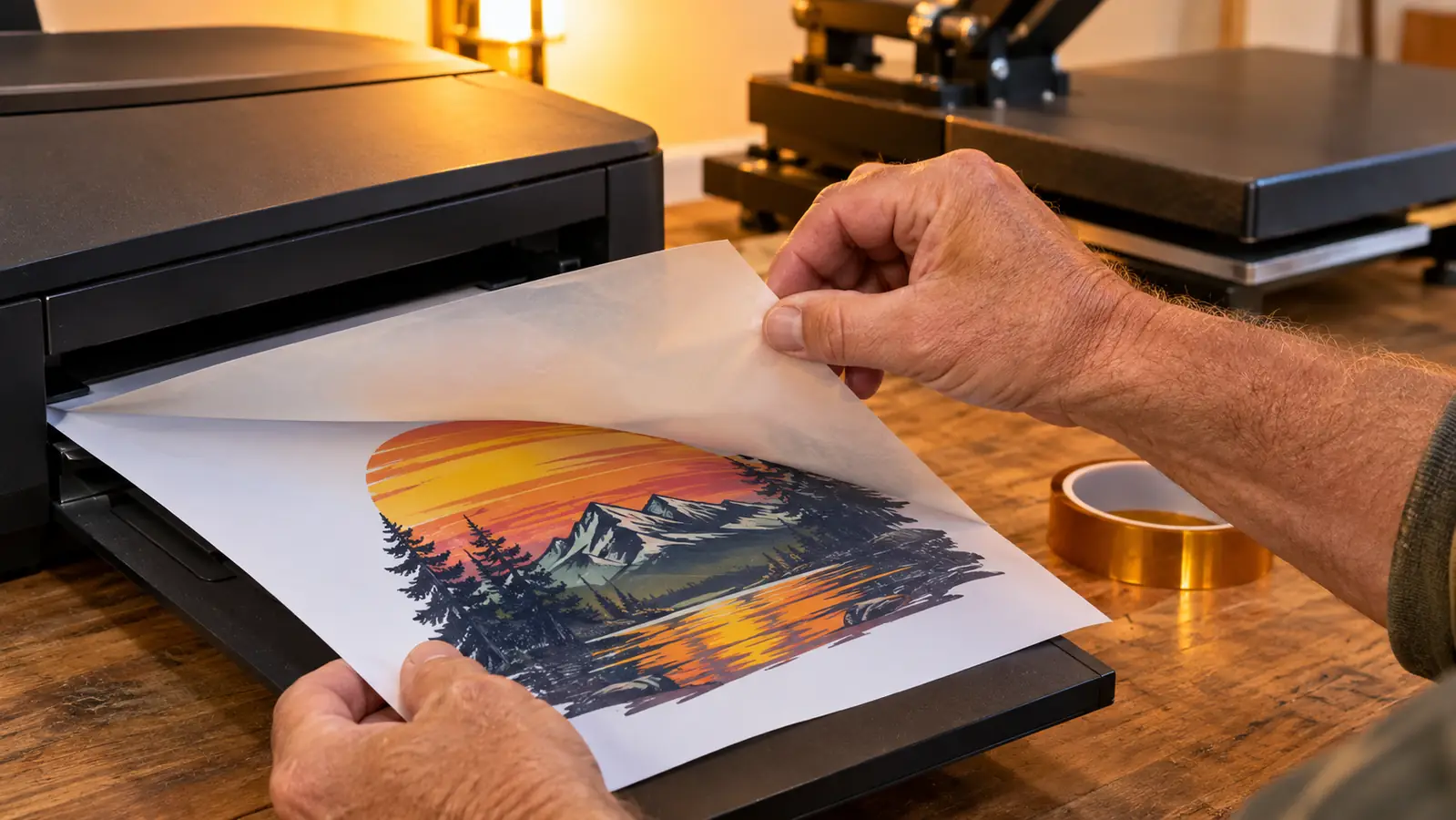
The first real job was a booster club order, twenty-four shirts for a middle school volleyball team. I finished the design the night before and printed the run in one sitting. The sheets fed without the curling fight I used to have, and the colour held steady from the first sheet to the last. That consistency is the part customers notice, because they see twenty-four versions of the same logo lined up on a folding table.
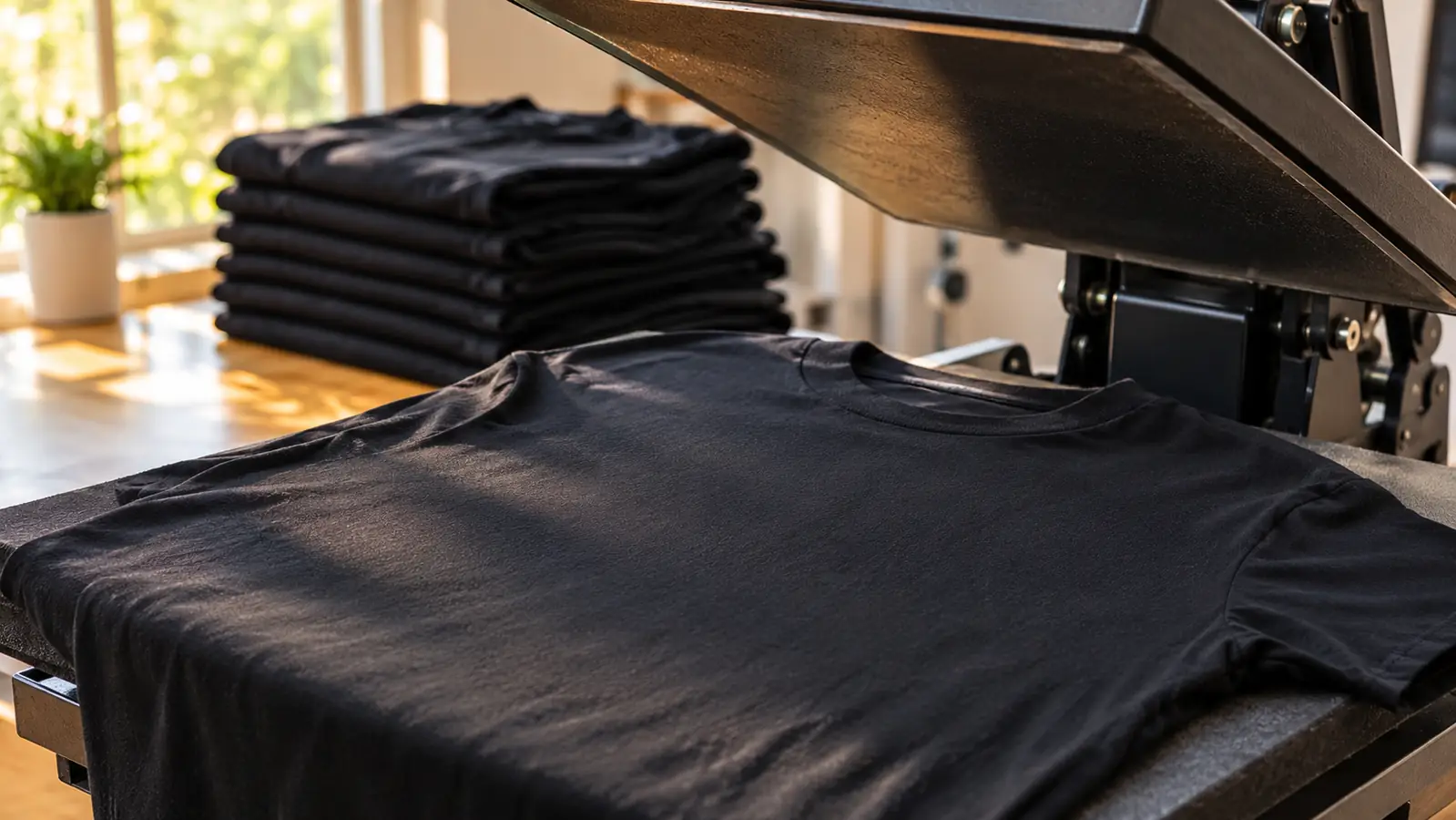
Sublimation is not finished when the sheet comes out of the printer. You still tape the transfer, line it up, and press it. The press does the work that decides whether the job is good, and I have scorched enough poly-blend in my time to respect that. What changed for me is everything upstream of the press. Fewer ruined transfers means fewer evenings spent reprinting a shirt I had already promised.
Since then the machine has handled tumblers, mug wraps, tote bags, a run of teacher shirts, and a set of memorial shirts for a family friend that I reprinted twice because I wanted them right. It has not choked on a single one of those jobs. The only failures in the press room over the last few months have been mine, usually a transfer that shifted a quarter inch because I was moving too fast.
One tumbler order taught me where the real risk lives. Twelve stainless tumblers for a youth softball raffle, and two of them ghosted at the seam because I used a cheap blank with a thin coating and rushed the wrap. Not the printer's fault. I reprinted both out of my own pocket and now I keep a magnet test on the bench so a bad coating never gets that far again.
A normal week looks like two evenings of printing and one Saturday at a craft fair. Glen loads the car and I spend Friday night stacking transfers in a folder so the press is free on Saturday morning. On the busy weeks I print on three or four nights instead. The printer has never been the bottleneck. My own hands are the bottleneck.
The Artspira Part Nobody Warns You About
This is the section I wish someone had written for me, so here it is plainly. The Brother Sublimation Printer is not usable out of the box with your own software. You download Artspira, you work in Artspira, and you send the job from Artspira. The app is the operating system of the whole purchase.
Inside the app you create your design or import one and save it to your library, which holds up to 20 printing images. Twenty sounds small until you use it. It is enough for the roster of designs I actually rotate through in a season, and having a hard limit forced me to stop hoarding half-finished files, which honestly improved my work.
If you are a designer who lives in Photoshop or Illustrator, this will feel like borrowing someone else's kitchen. My workaround is simple and it costs me ten minutes: I build the file where I am comfortable, export it, and bring it in as an image. For the shirt-and-mug work that is most of what I do, that ten minutes is not a problem. For someone producing complex layered artwork every single day, it might be a deal-breaker and I would rather say so.
The app runs on a phone or tablet, so design happens on a small screen with your thumb. I have gotten used to it. Glen laughs at me squinting at a six-inch preview of a volleyball logo, and he is not wrong, but the file that comes out the other end is correct, and correct is what the customer sees.
One more thing about the app that surprised me in a good way. Because the design step lives on the same screen as the print step, I stopped making a particular mistake I used to make constantly: sending a job before flattening it. The handoff is short enough that I actually look at the file before it prints.
What the Print Looks Like After Ten Washes
Sublimation is dye turning to gas and bonding into polyester, so the print does not sit on the fabric the way vinyl does. It becomes part of the fibre. Ten washes in, a shirt printed on this machine still looks like the shirt did on day one, with no cracking along the edges and no plastic film lifting at the hem.
Two caveats, and I would rather you hear them from me. First, this only holds on high-polyester blanks. Print onto a cotton blend and you get a faded, vintage-looking result that a few customers love and most do not. Second, mugs and tumblers live or die on the coating, not on the printer. A cheap blank with a thin coating will ghost or fade no matter what printed the transfer. I have eaten that cost twice so a customer did not have to.
Colour accuracy is better than I expected. Deep reds stayed red instead of drifting orange, and dark greens held. My old setup used to surprise me on the second sheet of a long run, which meant reprinting the back half of an order and quietly hoping nobody compared them. That has not happened once with this machine.
The first thing I printed was a scrap of polyester I keep for testing, a colour chart about four inches square. I pressed it, washed it, pressed it again, and then did the boring thing and let it sit in a drawer for a week. It came out the same. If you are the sort of person who wants proof before you trust a machine with a paying order, do that test. It took an evening and it bought me a lot of confidence.
The Running Costs the Listing Does Not Mention
The printer is one line item in a longer list, and I am not going to quote figures because supplier prices move every few months and a number from last spring would mislead you. What I will say is where the money actually goes: sublimation paper, blanks, and heat-resistant tape, in roughly that order. The tape is the one that surprises new people. You need more of it than you think.
The ink has been reasonable for my volume. I am not running production seven days a week, so my honest advice is to estimate your own sheet count before you assume ink will be your biggest cost. For most people reading this, blanks will be, and by a wide margin.
Budget for waste too. Every new blank you have not used before deserves one test print before it touches a customer order. That is a real cost, and pretending otherwise is how people end up discouraged after a month and blaming the machine for a problem that was always going to be about materials.
What I Liked
- Dedicated dye-sublimation engine, so there are no conversion workarounds to troubleshoot
- Small footprint at 10.8 inches deep, 20.1 inches wide and 19.1 inches tall, and 7.9 pounds means one person can move it
- Colour stays consistent across a long print run
- Touch controls and an LCD display on the unit, so you are not guessing at status
- The Artspira workflow is short and repeatable once it clicks
Where It Falls Short
- You must download the Artspira app before you can print anything at all
- Design work happens inside the app, not in your desktop software
- The image library holds up to 20 printing images, which a heavy user will find tight
- Designing on a phone or tablet screen is cramped for detailed logos
- Blanks and the heat press still decide whether a job succeeds, so this does not solve everything
Twenty-four shirts in one sitting, and not one of them came off the press a different shade than the one before it. That is most of the review, really.
Where It Genuinely Earned Its Place
The honest case for this machine is not print quality, because a well-tuned converted printer can match it on a good day. The case is that it removes a whole category of problem. I no longer spend evenings chasing clogs, resetting a chip, or wondering why the back half of a run drifted. Four years into this, the thing I have least of is undisturbed evening time, and the Brother gives some of it back.
It also made the work easier to teach. I have walked two friends through a full shirt in an afternoon in the press room. Both are grown adults who do not consider themselves technical, and neither got stuck on the printer. They got stuck on centering the design, which is a much better place to be stuck. That counts for something when the whole appeal of this craft is that you can start small and learn as you go.
And there is a quieter benefit I did not expect. Because the machine is sitting there ready and the app is on my phone, I say yes to small jobs I used to turn down. A single shirt for a birthday. Six shirts for a neighbour's family reunion. Those jobs are not the ones that pay the bills, but they are the ones that keep me liking this work, and I had stopped taking them when every print meant an argument with a printer first.
The Parts I Still Grumble About
The app lock-in is real and I will not soften it. When the app updates and moves a button, I lose ten minutes I did not plan to lose. When I want to print a file that lives on my laptop, there is a handoff step that a desktop-driven printer would not ask of me. If Brother ever offered a desktop path, I would take it in a heartbeat.
The other grumble is quieter. Setup night still exists. It is shorter and it is far less painful than it used to be, but you will still spend an evening learning the app, testing a scrap of polyester, and dialling in colour before you trust the machine with a paying order. Nobody escapes that first evening, and anyone who tells you the machine removes it is selling something.
Who This Is For
This suits the person running a small press setup who wants the printing step to stop being the unreliable part. If you sell at weekend craft fairs, take custom orders from local teams and school groups, or run a small online shop, and you are tired of troubleshooting a converted unit, the Brother Sublimation Printer does exactly that job. It suits people who are willing to design on a phone or tablet, who would rather have a repeatable five-step workflow than a folder full of settings, and who understand that the press and the blanks still have to be good.
Who Should Skip It
Skip it if your work depends on desktop design software and you cannot build a handoff step into your day. Skip it if a hard limit of 20 saved printing images would cramp the way you actually work. And skip it if the real problem in your press room is a cheap heat press or thin-coated blanks, because this printer will not fix either of those. You would be spending on the wrong link in the chain, and the shirts would come out exactly as disappointing as they do now.
If you would rather print than troubleshoot
This is the machine I reach for when a booster club order lands on a Thursday and has to be on a table by Saturday morning.
Amazon Check Today's Price on Amazon →