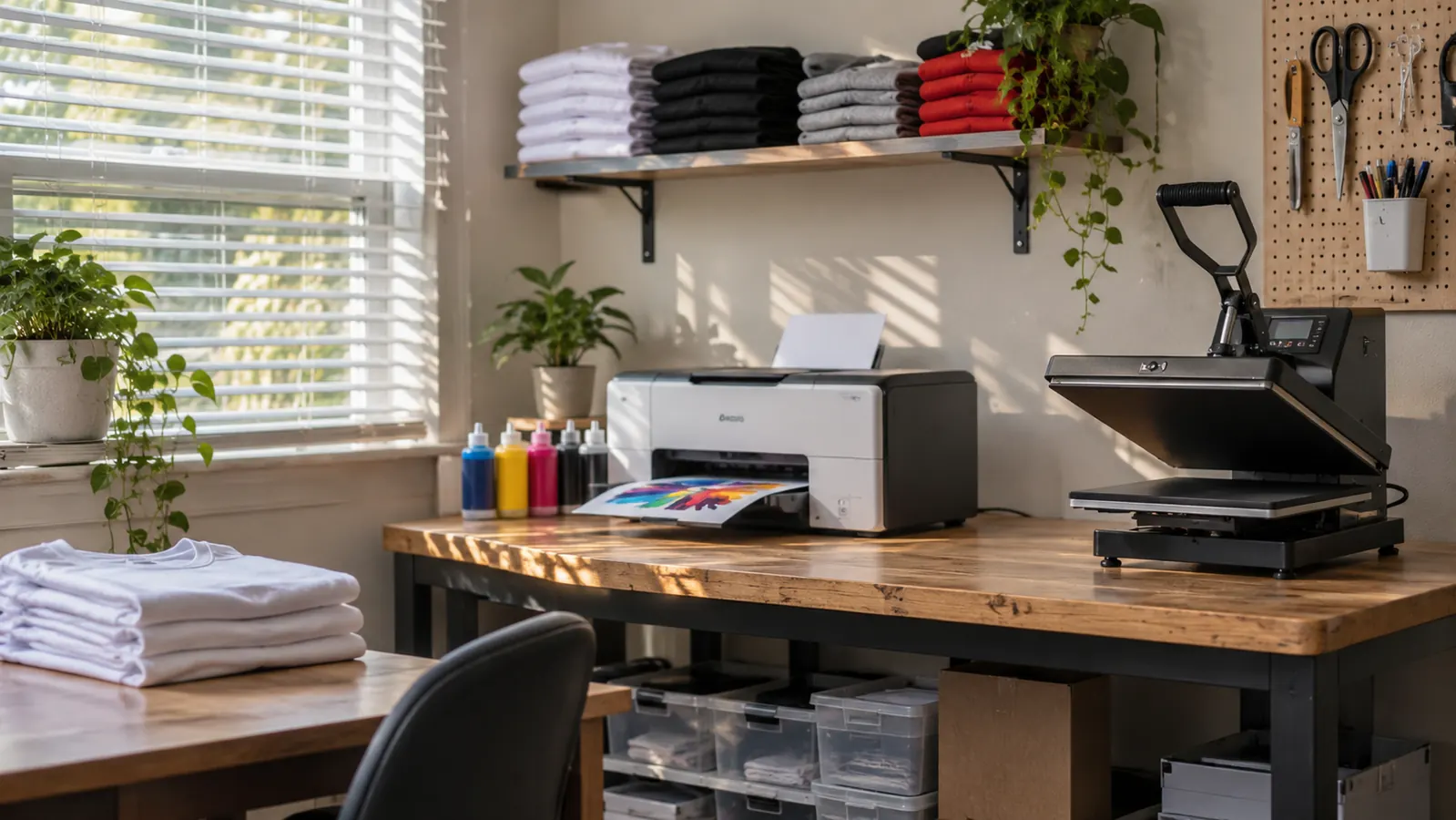
I run a small heat press and sublimation business out of the spare bedroom in my house in Vancouver, Washington. I call it the press room. I am Corinne Hadley, 51, and I spent years in a school front office before this. I started about four years ago after making matching shirts for a family reunion. These days my orders come from weekend craft fairs, a few local school booster clubs, youth sports teams, and a small online shop. My husband Glen helps me load the car on fair mornings. The Brother Sublimation Printer has been the machine at the center of my print table for more than a year now.
I did not buy it because I wanted a new toy. I bought it because my old workflow had too many stops and starts. I was sending designs out, waiting on prints, and losing the thread of an order while I did other tasks. The Brother unit changed the rhythm of the press room. I can design in the Artspira app, send the file, print, and get to the heat press without leaving the room. That sounds simple. It is simple. But simple is what keeps a craft fair order moving when you have 18 shirts to finish before Friday.
The Quick Verdict
A steady dye sublimation printer for a small craft business, with a real app-based workflow and a footprint that fits a spare room. The Artspira requirement is the tradeoff.
Amazon Check Today's Price →The Brother printer fits a spare-room workflow, not a warehouse
If your orders are shirts, totes, mugs and team gear made in a home press room, this is the setup I would look at first. The 20.1 inch width and 7.9 pound body leave room for a heat press on the same table.
Amazon View the Brother Listing on Amazon →How I've Used It
My first real test was a batch of youth soccer shirts for a local team. I printed the transfers on a Tuesday night, heat pressed them on Wednesday, and delivered them Thursday. The Brother handled the print run without a fuss. The only bad shirt was mine. I rushed a press and scorched the shoulder seam. That was not the printer's fault. It was me trying to save four minutes and costing myself a blank.
Since then I have used it for booster club shirts, family reunion orders, a run of tote bags for a school fundraiser, and several mug orders. The mug work is where I learned the most. My first batch had ghosted prints because I did not keep the mug and the transfer lined up. The Brother printed the same file cleanly each time. The ghosting came from my hands, not the machine. I now keep a small jig on the table and slow down.
The machine has a 10.8 inch deep by 20.1 inch wide by 19.1 inch high footprint and weighs 7.9 pounds. That matters in a spare bedroom. I can slide it back when I need room to fold shirts, and I can lift it myself when I clean behind the table. I run it from the Artspira app on my phone or tablet, and the specs also list PC compatibility. I use the touch controls and the LCD display for the basic checks. The app does the design work, the printer does the output, and the heat press finishes the job.
What the Brother Setup Does Well
The first thing I noticed was how little room the Brother printer needs to feel permanent. It sits on a sturdy table beside the heat press, with a bin of blanks underneath. The 20.1 inch width leaves enough space for a mug press on the other side of my work mat. The 7.9 pound weight means it does not feel like a floor-standing piece of equipment. In a spare bedroom, that is the difference between a workable room and a room that belongs to the machine.
The Artspira app is the center of the workflow. You create the design in the app, transfer it, print it, and then heat press. I like that I can import and save up to 20 printing images. For a small shop, that is enough for the repeat logos I use most: the booster club mark, two youth team logos, my own shop label, and a few seasonal designs. I do not have to rebuild the same file every week. I open the app, pick the saved image, and adjust the size for the blank.
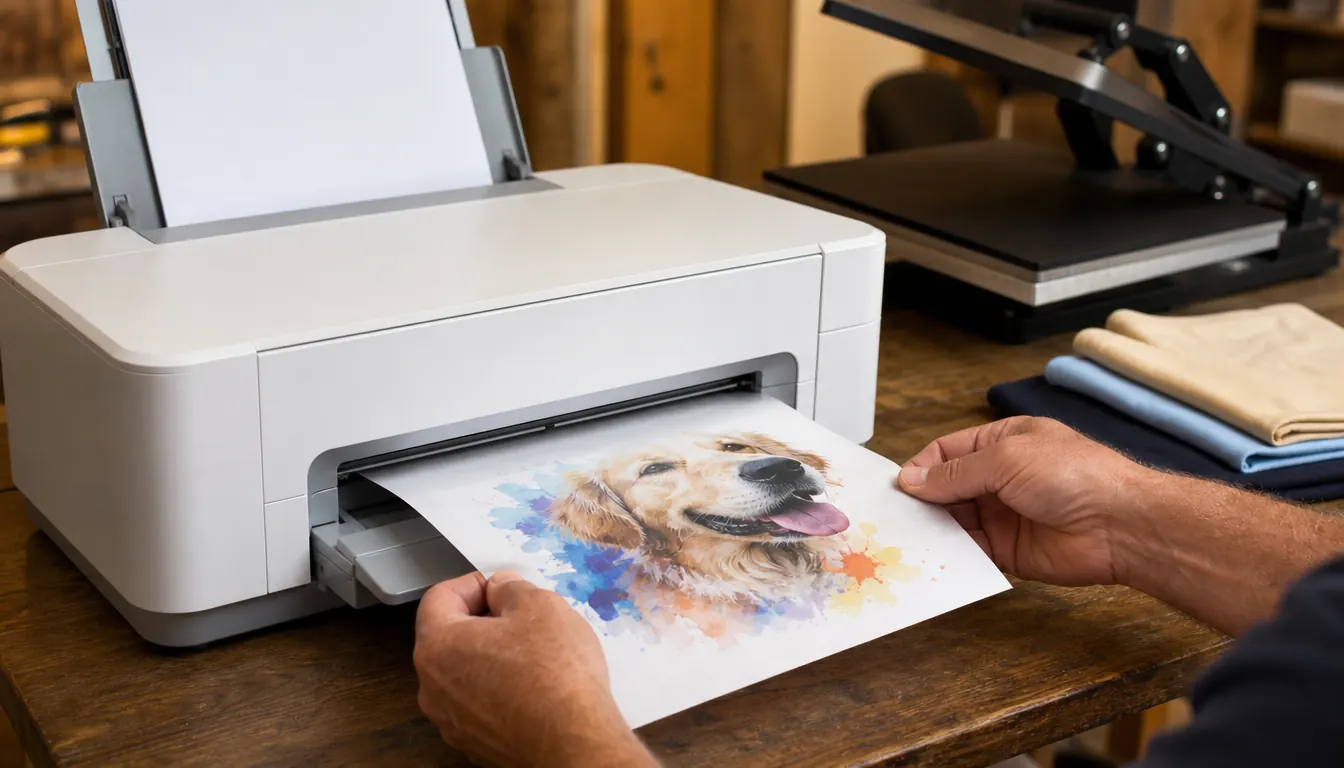
The touch controls and LCD display are plain in a good way. I can see the status, check the setup, and start a print without digging through menus. The printer also scans, which I did not think I would use. I have used it to capture a hand-drawn sign for a school fundraiser and to keep a clean copy of a logo a customer sent on paper. The color output is what you expect from a dye sublimation printer with cyan, magenta, yellow and black inks. The prints look even on fabric and on the paper I use for transfers.
Where the Learning Curve Shows Up
The Brother Sublimation Printer is not a plug-and-play appliance. The listing says it plainly: you must first download the Artspira app. If you skip that, you are stuck. I know because I tried to rush the first setup and spent ten minutes wondering why I could not get to the design screen. The app is not an optional extra. It is the front door.
The second adjustment is the handoff to the heat press. The printer can put a clean image on the sheet, but it cannot press the shirt. You still need to know your press, your time, and your pressure. My early mug order had ghosted prints because I lined up the transfer by eye and moved the mug halfway through. My early shirt order had a scorch mark because I pressed too hot on a scrap test. Neither problem was the Brother. Both problems were me treating the last step as an afterthought.
The app workflow also asks you to think in its terms. If you are used to a desktop design program, the Artspira app can feel like a detour at first. I still sketch some layouts on paper before I open the app. That saves me from fiddling with a design on a small screen while a customer waits. The good news is that the routine gets fast. After a few weeks, the sequence became second nature: open app, choose saved image, size it, transfer, print, press, fold.
Print Quality and Consistency Over a Long Season
Craft fair season is the real test. You print in batches, often at night, often when you are tired. The Brother has been steady through that. I have run shirts for a weekend fair, a set of totes for a school fundraiser, and a stack of team shirts for a booster club, all in the same month. The color output stayed consistent across the runs. I did not see the fading or banding I used to worry about with a stop-and-start workflow.
The one variable I watch is the paper. I keep the sheets flat in a closed bin and load them carefully. If a sheet curls, I do not force it. I set it aside and use another. That single habit has saved me more reprints than any setting change. The Brother printer does not fix bad materials. It rewards clean materials and a level table. My table is level because I check it after Glen moves things around for a fair load-in.
I also keep a small notebook with the date, the blank, the press time and the result. That sounds fussy, but it lets me compare a mug order from March with a mug order from September. The printer has not been the source of the drift. The press and the blank have been. When a print looks light, I check the transfer first, then the press, then the ink. The Brother has not been the weak link in that chain. That is the highest compliment I can give a piece of equipment in a small shop.
Maintenance and the Small Habits That Save Orders
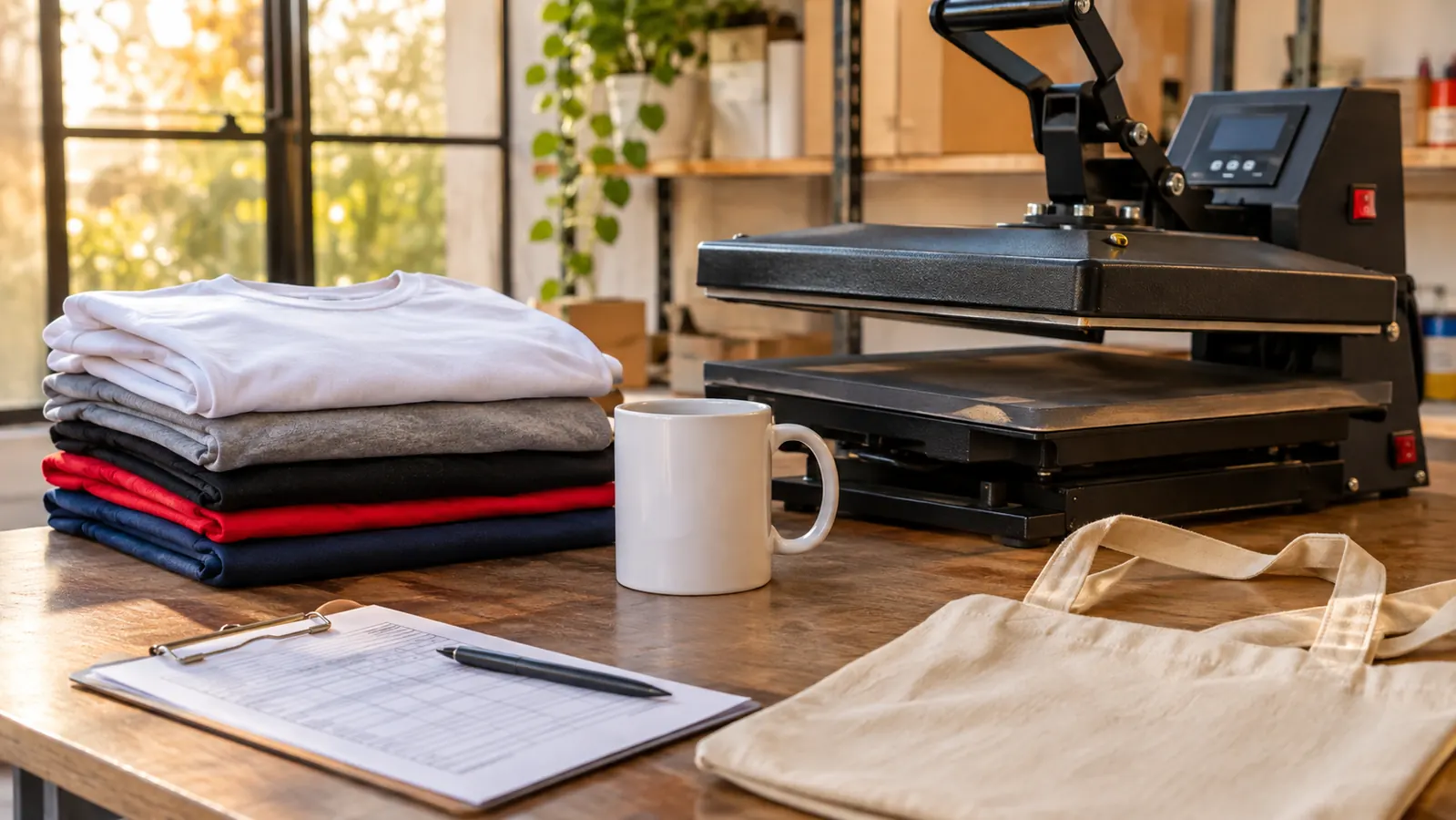
My maintenance routine is short. I keep the area free of lint because I work with fabric all day. I wipe the table, check the paper bin, and run a small test print before a paid order. I check the LCD display and the touch controls to make sure nothing is stuck or dim. I leave the printer on a level surface and give it room at the back for the paper path. None of this is complicated. It is the same care I give the heat press.
The Brother printer is 7.9 pounds, so it is easy to move if I need to clean under it. I still do not move it often. I found a spot where the cord is not strained and the paper can feed without catching on a bin. That spot has stayed the same for months. The limited warranty is another reason I keep the receipt and the registration in a folder. I have not needed it. I like knowing it is there.
The small habit that saves me most often is the test print. I print one copy of a design before I commit a full batch. If the test looks right, I run the order. If it looks off, I fix the file or the press before I touch a good blank. That one step has cut my reprint pile down to almost nothing. The Brother has enough control through the app and the touch panel that I can make a small change and see it on paper before the customer sees it on a shirt.
What I'd Change After a Year
If I could change one thing, I would make the app workflow feel less like a separate step. I do not mind the Artspira app now, but I still keep a paper sketch pad beside the printer because I think better with a pencil. That is not a defect in the Brother. It is how I work. A newer user might be faster with the app from day one. I needed a few weeks to stop fighting the sequence and start using it the way it was designed.
The other change is not about the printer at all. I would build in more drying space. A finished shirt needs room to cool and a mug needs room to sit before it goes in a box. When I first started, I stacked blanks too close to the output tray and made myself nervous every time a sheet came out. Now I keep a clear zone to the right of the printer. The 20.1 inch width made that possible in my room. The machine itself has been reliable. The room around it needed the adjustment.
I would also tell a new owner to label the saved designs in the app with the blank they belong to. I have a shirt logo and a tote logo that look similar on a phone screen. One is wider. One has a smaller mark. I learned to add the blank name to the file after I printed the wrong version for a booster club order. That was a five minute mistake, not a printer failure, but it is the kind of thing that makes a small shop look sloppy. The fix is simple and it has stuck.
What I Liked
- Artspira app imports and saves up to 20 printing images
- Touch controls and LCD display are easy to check at a glance
- Footprint is 20.1 inches wide, 10.8 inches deep and 19.1 inches high
- Weighs 7.9 pounds, so one person can move it
- Dye sublimation color output with cyan, magenta, yellow and black inks
- Scan function is useful for paper logos and drawings
Where It Falls Short
- Artspira app is required, so there is no way around the download
- The workflow is app-first, which can feel slow if you design on a computer
- You still need a heat press and press skill for the final result
- Limited warranty means you should keep your receipt and registration
- Not a floor-standing production machine, so plan a sturdy table spot
The Brother printed through a full craft fair season without a single jam. The only reprints were the ones I caused by rushing the heat press.
Who This Is For
This is for the maker who works from a spare room or a corner of a garage and needs a dedicated dye sublimation printer for shirts, totes, fabric items and transfer sheets. It suits a craft fair seller, a booster club volunteer, a youth sports parent who has become the team printer, or a small online shop with repeat logos. It also suits someone who wants the design and print steps in one place. The Artspira app, the touch controls and the LCD display make the daily routine easy to repeat. If you already have a heat press and you are tired of farming out prints, the Brother is a sensible next step.
Who Should Skip It
Skip it if you want a printer that works without an app. The Artspira download is mandatory, and that is not going to change. Skip it if you design only in desktop software and you do not want a phone or tablet in the workflow. Skip it if you expect the printer to replace press skill. It will not. You still need to learn your heat press, your blanks and your timing. And skip it if you need a large-format or high-volume production machine. This is a compact dye sublimation printer for a small shop, not a print floor workhorse. The 20.1 inch width and 7.9 pound body tell you what it is built for.
A small press room needs a printer that fits the room
The Brother Sublimation Printer has earned its spot on my table. If your orders run through a heat press and a spare bedroom, it is worth a close look.
Amazon See the Brother Printer on Amazon →