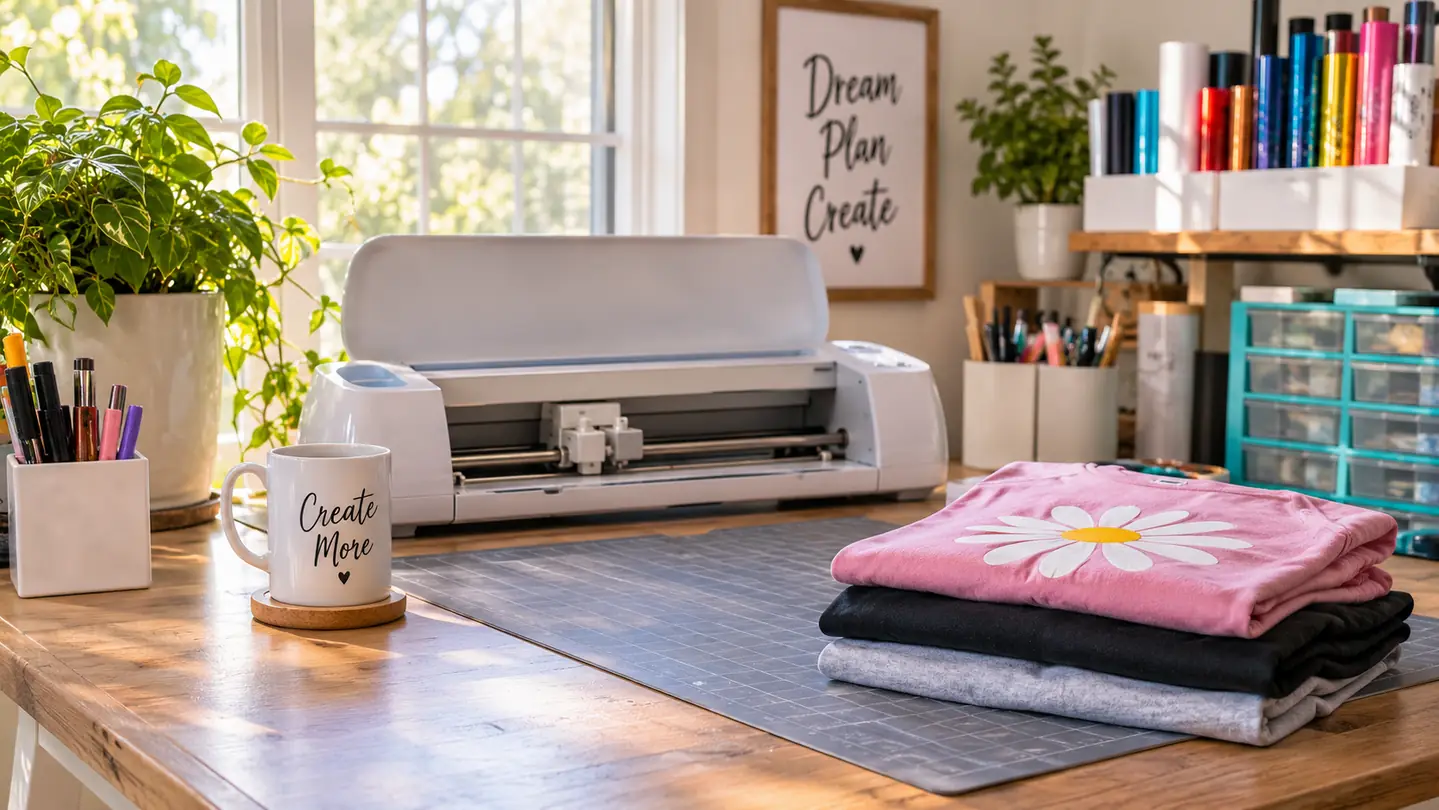
Four years ago, my dining table was covered in blank shirts, a printed list of family names, and a borrowed cutting machine I did not understand. I made matching shirts for a family reunion. Some came out crooked. One got scorched. But when one of the kids put hers on and refused to take it off, something clicked. I wanted to make more. These days I work out of the spare bedroom in our house in Vancouver, Washington. My husband Glen calls it the press room, which is generous for a room with one table and a lot of vinyl scraps. The machine that earned its place on that table is the Cricut Joy Xtra. It stays out because it is light, and it does the job I need most: cutting clean shapes from iron-on vinyl, cardstock, and sticker paper.
I did not buy it to start a business. I bought it because I was tired of tracing letters by hand and getting wobbly edges. The first orders were small: a name across a shirt for a neighbor, a set of team decals for a booster club, a batch of stickers for a school event. What changed was repeat work. A mom would see a shirt at a Saturday craft fair and ask if I could do twelve for a youth soccer team. I learned to say, let me check my material first, instead of yes before I thought it through.
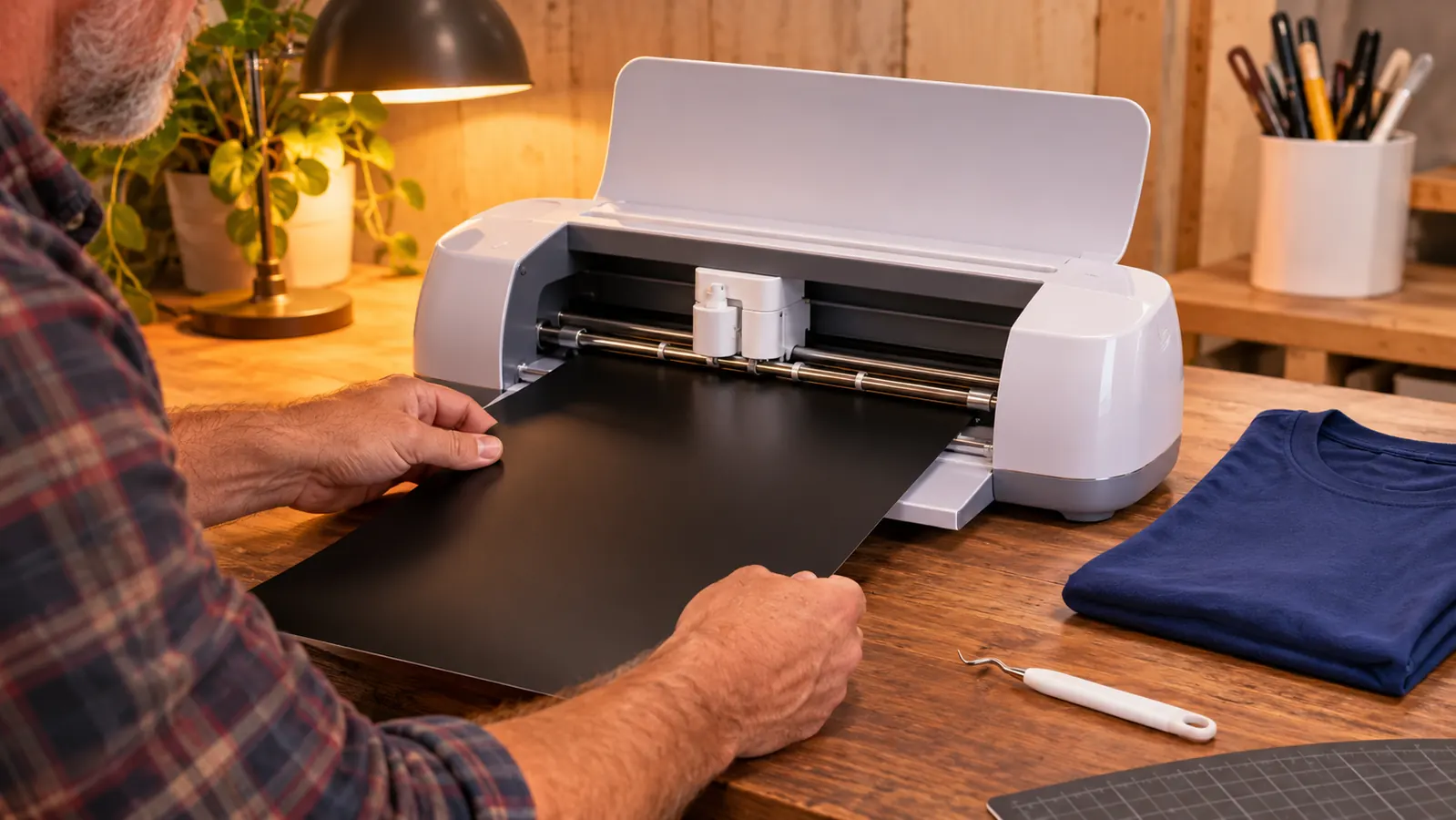
The Cricut Joy Xtra handles the materials I actually use. The listing says it works with 50+ materials, including vinyl, iron-on HTV, cardstock, and stickers. That matches my experience. I cut iron-on vinyl for shirts and bags, cardstock for tags, and sticker paper for labels. The Print-Then-Cut feature is the one I did not expect to use as much as I do. I can print a full-color design on my inkjet printer, then send it to the machine to cut around the edge. That turned a plain sticker sheet into something a customer would pay for at a craft fair.
The first craft fair order that felt real was a set of twelve shirts for a youth soccer team. I cut the names one at a time, used the mini weeder to lift the tiny centers out of the letters, and pressed them over two evenings. I made mistakes. I scorched one shirt and had to remake it. I learned to keep a spare blank on hand. The machine did its part: the letters were clean, the edges were sharp, and the names lined up. The rest was me being careful with heat and time.
It is not a large-format machine. The active surface area is 95.94 sq in, so a full back design has to be scaled down or split into pieces. For a name across the chest, a small logo on a mug, or a set of stickers, it is plenty. For a giant back print, I would need a bigger machine. That is the honest tradeoff. I also would not call it a production machine for a hundred shirts in a weekend. It is a craft machine that can handle a real order if you plan your time.
The active surface area is 95.94 sq in. That is the number I check before I promise a customer a size I cannot deliver.
The machine that fits the table you already have
The Cricut Joy Xtra comes with a fine-point blade, fine-point pen, mini weeder, welcome card, USB cable, and power adapter. It cuts vinyl, iron-on HTV, cardstock, and stickers, and it works with an inkjet printer for Print-Then-Cut. Check today's price and what is in the box on Amazon.
Amazon Check Today's Price on Amazon →The orders that followed were not glamorous. I made school spirit shirts, team name decals for water bottles, and small vinyl labels for teacher gifts. I stopped saying yes to every request. If someone wanted twenty-five shirts by Friday, I asked whether the design was ready and whether they had a backup plan if a blank was missing. Most people were fine with that. The ones who were not were not my customers.
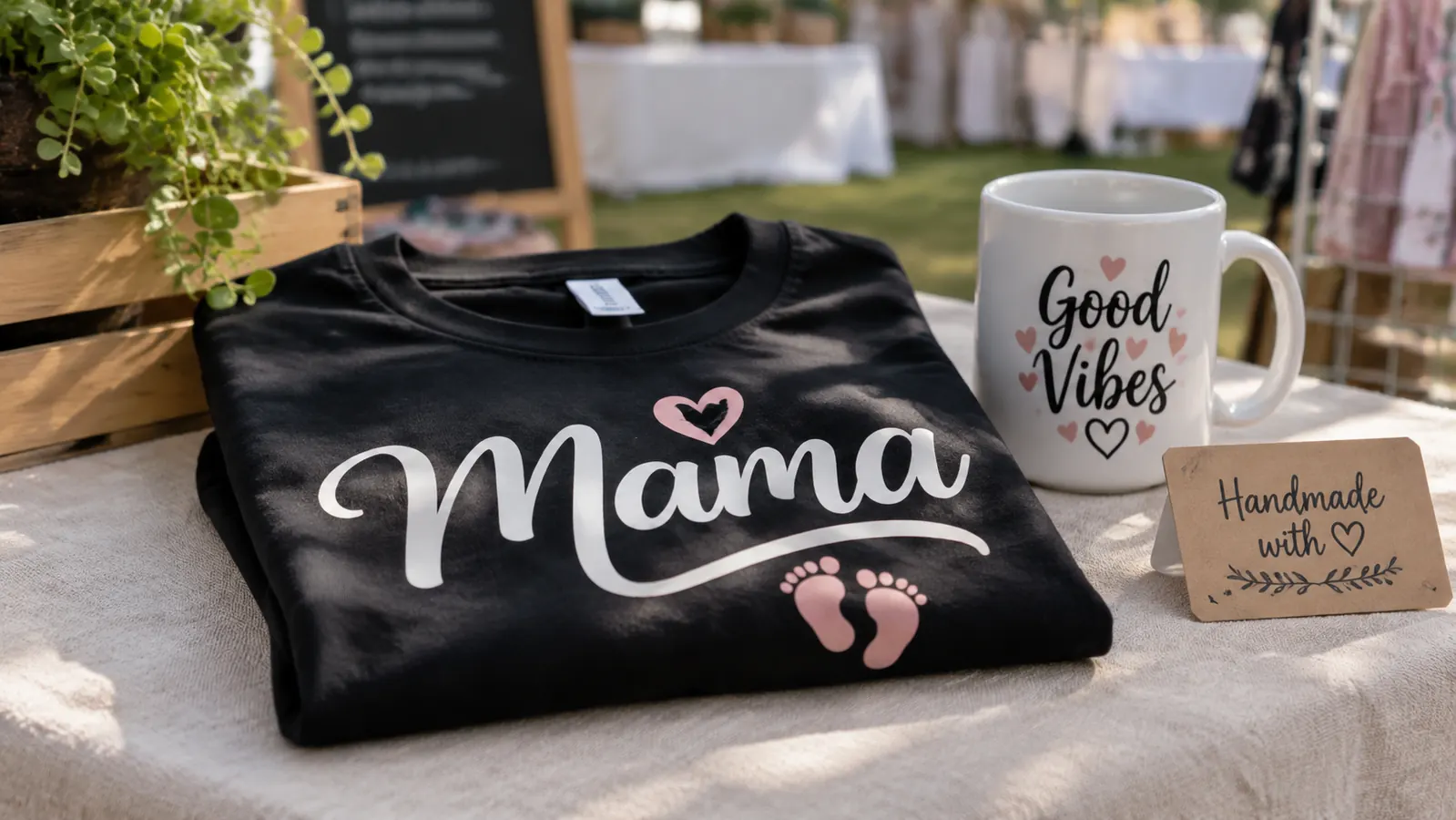
What I value most is that the machine does not take over the room. It weighs 250 grams, so I can move it to the side when I need the table for pressing. The 1-year manufacturer warranty is standard, but it matters when a machine is your only cutter. I keep the fine-point blade clean and I use the mini weeder more than I expected. The welcome card and the 30 digital images gave me a starting point when I was learning what the machine could do.
Print-Then-Cut has been the quiet workhorse. I make sticker sheets for a local school booster club, and the ability to print a full-color sheet and then cut it means I am not hand-cutting circles with scissors. I design on my laptop, print on the inkjet printer, and let the Cricut cut the shapes. The machine is compatible with computers, tablets, and smartphones, so I can check a design on my phone when I am away from the press room. I still do the final cut at the table.
I have also learned what not to promise. A full back print for an adult shirt is not a one-piece job on this machine. I either size it down or split it, and I tell the customer before they pay. That honesty has kept more orders coming than any clever design. People remember when you tell them the truth about a limit.
What I'd Tell You If We Were Sitting at My Kitchen Table
If we were sitting at my kitchen table, I would tell you to buy the Cricut Joy Xtra if you make small custom pieces and you want a machine that can stay out on the table. I would tell you to skip it if you need large back prints, if you are not willing to learn your materials, or if you think the machine will do the work for you. It will not. It cuts what you tell it to cut. The design, the heat, and the timing are still yours. Start with one material you actually use, learn how it behaves, and keep a notebook of what you promised and when. That notebook has saved me more than any gadget.
One clean cut is how the next order starts
The Cricut Joy Xtra is a cutting machine for vinyl, iron-on HTV, cardstock, and stickers, with Print-Then-Cut for inkjet printers. It comes with the fine-point blade, fine-point pen, mini weeder, USB cable, power adapter, and 30 digital images. See today's price on Amazon.
Amazon Check Today's Price on Amazon →