Short answer first. If your heat transfer vinyl work is names, numbers, small logos and shirt-front designs, the Cricut Joy Xtra is the machine I would buy again. If you regularly cut a design that spans the whole back of a shirt, or you like laying four colours across a full sheet before you press anything, the Cricut Explore is worth giving up the desk space for. That is the comparison in two sentences. The rest of this article is the why, written from a press room where the bench is never quite big enough.
I run a small heat press business out of a converted spare bedroom in Vancouver, Washington. Four years in, most of my orders are booster club shirts, youth team numbers, a few staff gifts, and whatever I have made for a weekend craft fair. My designs are small by nature. A name across the shoulders. Two digits on a sleeve. A three-inch logo on a left chest. I have cut every one of those on a compact Cricut machine, and I spent a week working on a friend's Cricut Explore to find out what I was actually missing. Turns out I was missing width, and not a great deal else.
One thing worth saying before the table: both machines run on Cricut Design Space, both take iron-on HTV, and both will produce a shirt the customer is pleased with. The difference is not quality. The difference is how much design has to fit on the mat at once, and how much permanent real estate you are willing to hand over in a room that also has to hold a heat press, a printer and a shelf of blanks.
The week I borrowed the Explore, a booster club order came in for fourteen shirts, each with a name across the shoulders and a two digit number on the back. On my own machine I cut those the way I always do, one name panel at a time, pressing while the next one cut, and it took me an evening and a good part of the next morning. On the Explore I laid the fourteen names out across a wide mat in two batches and cut them in a fraction of the passes. It was faster, and I will not pretend otherwise. Then I went back to my own desk and cut a single three inch chest logo for a staff gift, and that job took four minutes, because the machine was already sitting there with the blade in place and the mat flat.
| Cricut Joy Xtra | Cricut Explore | |
|---|---|---|
| Cutting area | 95.94 sq in of active surface, sized for shirt fronts, names, numbers and small logos | 12-inch-wide mats, so a full back print or a 12-by-12 sheet goes through in one pass |
| Footprint and weight | 250 g, small enough to sit on the corner of the desk and stay plugged in between orders | Needs a dedicated corner, or a shelf of its own, and gets moved less often |
| Material range | 50+ materials including iron-on HTV, vinyl, cardstock and stickers | A broader material list, including heavier and thicker stock |
| What comes in the box | Fine-point blade, fine point pen, mini weeder, welcome card, USB cable, power adapter and 30 bonus images | Blade and pen included, with more accessories to add before specialty work |
| Print-Then-Cut | Works with an inkjet printer for full colour sticker sheets and printed designs | The same feature, on larger sheets |
| Best jobs | Team names, jersey numbers, chest logos, one-off shirts and craft fair pieces | Large back prints, layered multi-colour designs and bigger flat work |
Where the Cricut Joy Xtra Wins
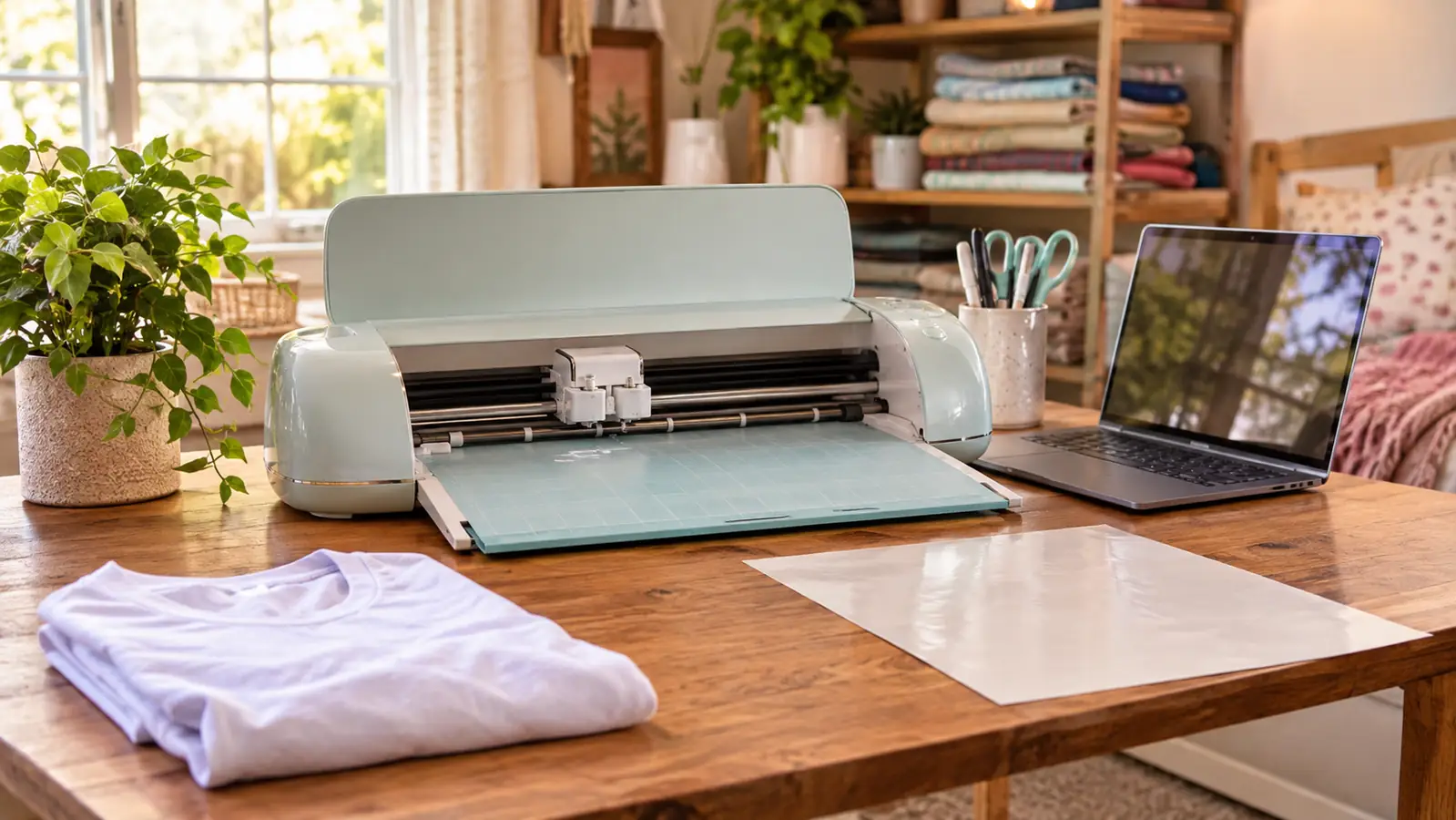
It is 250 grams. That number does more for my workflow than any spec sheet line I could quote you. In a press room, every square inch of bench is contested. The heat press takes the middle. The printer takes a shelf. The blanks take a tub on the floor. A machine that weighs about as much as a hardback book can live on the corner of the desk, stay plugged into the power adapter, and be ready the moment a customer messages me about a last-minute shirt. If I had to unpack a larger machine and clear a mat-sized runway every time an order came in, I would cut fewer orders and enjoy it less.
The box contents matter more than people expect. The Cricut Joy Xtra arrives with the fine-point blade, a fine point pen, a mini weeder, a welcome card, the USB cable and the power adapter, plus 30 bonus images in the digital content. That means the first shirt needs nothing else bought. The mini weeder is the piece I would have paid for separately, because weeding small letters is where heat transfer vinyl stops being fun. Thin bridges, the middle of an O, the gap in an A on a youth small jersey. A proper hook makes that job five minutes instead of twenty, and it comes in the box.
The material list covers 50+ materials, including iron-on HTV, vinyl, cardstock and stickers, and it is compatible with an inkjet printer for Print-Then-Cut. In practice that means I can cut a team name in HTV in the morning and print and cut a sheet of full colour name labels for the booster club in the afternoon without owning a second machine. Between those two jobs and a stack of cardstock gift tags, my week is covered.
There was a Friday last spring that sums the whole argument up. A youth team's order came in late, eleven shirts, names and numbers, needed for a Saturday morning game. I cut the names first, two at a time, weeding each pair while the next pair ran. Then the numbers, which go quicker because there is less to weed. I finished at a quarter past ten and left everything set up on the desk overnight, blade in the carriage, mat flat, ready in case a name came back misspelled. That is what a small machine buys you in a small room. It does not need to be put away, so it does not need to be set up again, and a job that arrives at nine at night is still a job you can say yes to.
Where the Cricut Explore Wins
Width. That is the honest answer, and it is the only reason I kept borrowing my friend's machine for a week. The Explore handles 12-inch-wide mats, which means a design that runs the full width of a shirt back goes through in one pass, and a 12-by-12 sheet of layered colour can be cut and weeded as one piece. On the smaller machine you are fitting the design to the mat before you fit it to the shirt. That is a different way of thinking about a job, and for some work it is the wrong way.
The Explore also carries a broader material list, including heavier and thicker stock. If you are cutting anything stiffer than HTV on a regular basis, that matters. So does the simple fact of not splitting a design. A back print made of three separate pieces that have to line up on the press is a back print that can go wrong, and I have the scorched, misaligned evidence in a drawer to prove it.
There is also a quiet satisfaction in cutting a design in one piece. I did a three colour layered logo for a small landscaping company on the Explore and it came off the mat as a single weeded sheet. On my own machine I would have cut three separate layers and aligned them by eye on the press, nudging each one a millimetre at a time. It worked, and it looked sharper than my usual output, and I noticed the difference on the shirt before I noticed it on the bench.
Where the Explore loses, in my room, is bulk and setup. It wants a corner, and it wants to be left there. If your press room is also the guest room, or a corner of the kitchen table that has to be cleared for dinner, that is a real cost. I turned down two jobs last year because a full back print would have needed splitting, and I have not once regretted it. But if back prints were my bread and butter rather than the occasional request, I would have bought the wider machine and found the corner.
Most Shirt Orders Never Need a 12-Inch Mat
Names, numbers, chest logos and one-off shirts all fit inside the 95.94 sq in working area. The Cricut Joy Xtra comes with the blade, the pen and the mini weeder, so the first shirt is ready the day it arrives.
Amazon Check Today's Price on Amazon →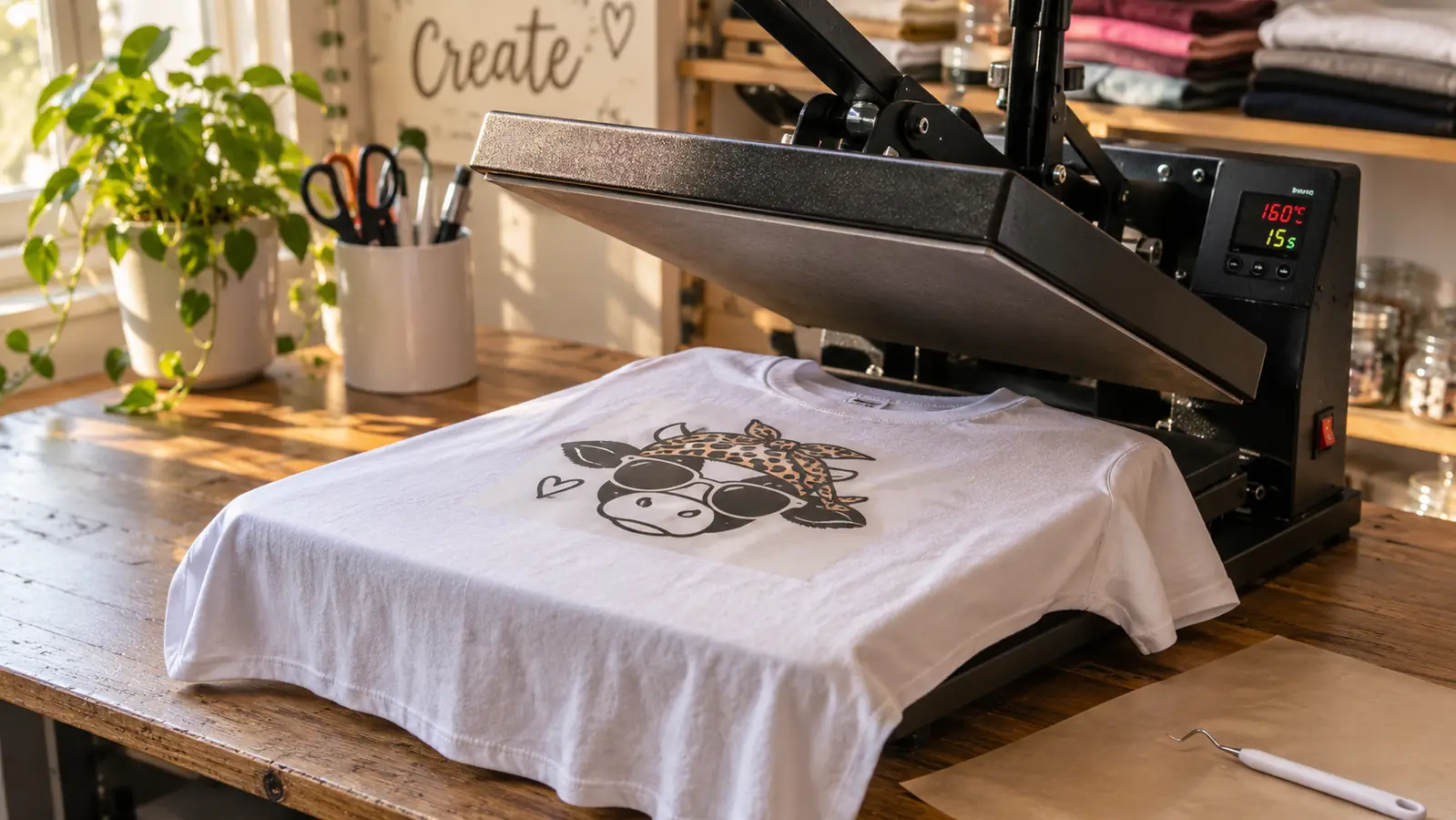
What Heat Transfer Vinyl Actually Asks of a Cutter
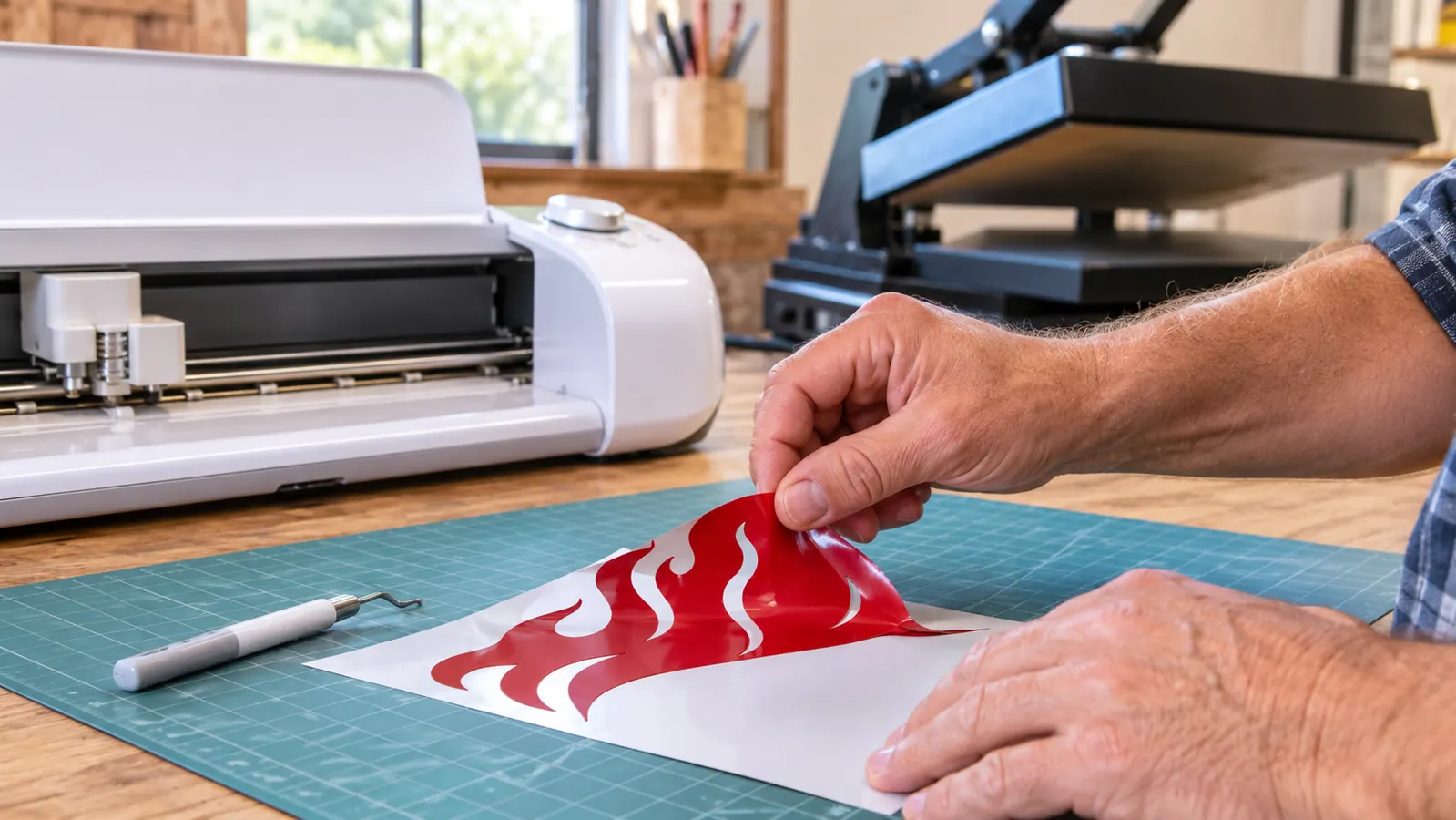
HTV is not a fussy material, but it is an unforgiving one. You cut it on the carrier sheet, mirror the design, weed away everything that is not the design, then press it at temperature and peel at the right moment. Nearly every failure I have had came from one of two places: a design that was too fine for the blade to separate cleanly, or a press that was not hot enough. The cutter's job is simpler than beginners expect. It cuts a shape. The skill is in what you decide to cut.
That is why the mat width question matters more than the machine question. Fine lettering on a jersey name panel will separate cleanly on either machine, as long as the blade is fresh and the material is stuck down flat. Where the two machines divide is layering. Multiple colours on one sheet, registered to each other, is a wide-mat job. A single colour name and number, done one after the other, is a small-machine job, and it is how the great majority of my orders actually arrive.
The blade is the part nobody warns you about. A fine point blade cuts cleanly for a while, then starts leaving fuzzy edges and skipping on tight curves, and you will blame the HTV before you blame the blade. I change mine more often than the manual suggests, because a dull blade on a jersey name panel costs me a whole carrier sheet and twenty minutes of weeding that ends in the bin. Keep the mat tacky, keep the material pressed flat, and cut a test square on a scrap of HTV before you commit a full sheet. That one habit has saved me more material than any setting change I have tried.
If you are doing school spirit wear, the pattern is predictable. A roster comes in, you cut the same name once and the same number twice, and you press them one shirt at a time while the press cycles. Nothing about that workflow needs a 12-inch mat. It needs a machine that is already on, a weeder within reach, and a press that stays hot.
A youth small name panel, a two-digit number and a three-inch chest logo all fit inside 95.94 square inches. In four years of paid orders, those three jobs are almost everything I have cut.
What I Liked
- Box includes the fine-point blade, fine point pen and mini weeder, so the first project needs no extra purchase
- Works with 50+ materials including iron-on HTV, vinyl, cardstock and stickers
- 250 g, so it stays on the desk instead of living in a cupboard
- Print-Then-Cut with an inkjet printer covers full colour sticker sheets as well as HTV
- 1-year manufacturer warranty
Where It Falls Short
- 95.94 sq in of working area will not take a full shirt back print in one pass
- You will still buy mats, blades and replacement weeding tools over time
- Very fine lettering still needs patience and a steady hand
- Wider material range on the Explore if you cut heavier stock
Who Should Buy Which
Buy the Cricut Joy Xtra if your orders look like mine: names, numbers, chest logos, one-off shirts for a team or a family, the occasional cardstock or sticker job, and a workspace that has to earn its keep. It suits a first machine, a small press room, and anyone selling at weekend craft fairs where the inventory is small pieces rather than large panels. The included blade, pen and weeder mean you can be pressing a test shirt the same afternoon, which is how I would want to start.
Buy the Cricut Explore if you are regularly cutting 12-inch-wide sheets, if layered multi-colour designs are the work you actually sell, or if you cut heavier materials than HTV. It is also the better choice if your bench is fixed and generous, because a machine that stays put is easier to work with than one you unpack. The trade is space and a wider list of accessories to buy.
One more thing about the room itself. My press room is a converted spare bedroom, roughly ten feet by eleven, with the press on one bench, the printer on a shelf above it, and a tub of blanks under the window. There is no second surface to give a wider machine, and I am not willing to give up the shelf the printer sits on. If you work in a garage or a basement with a long bench, that constraint disappears and the Explore becomes a much easier call. Measure the bench you actually have before you decide, not the bench you plan to build someday. The someday bench is how people end up with a machine still in its box in October.
And one more honest option: if you have not yet sold a single shirt, buy neither. Make five shirts for people you know on whatever machine you can borrow, learn how the press behaves, and then buy the cutter that matches the orders you are genuinely getting. Buying the wider machine for the back prints you imagine is how a spare bedroom fills up with equipment that does not pay for its own shelf.
Match the Machine to the Orders You Already Have
If the design fits a shirt front, this one is ready out of the box with the blade, the pen and the weeder included. That covers most of what a small vinyl business actually cuts.
Amazon Check Today's Price on Amazon →