
The first thing I got wrong about the Cricut Joy Xtra was assuming that a small machine meant a small job. I had a forty shirt order for a youth football booster club sitting on my worktable, a roll of heat transfer vinyl that was not going to cut itself, and a two year habit of reaching for the biggest tool in the room. So I set the Joy Xtra on the corner of the table, told myself it was just for the small stuff, and let it sit there for three days.
Then the big machine threw a fit halfway through a mat and I had no backup plan. I plugged in the Cricut Joy Xtra, cut the remaining twenty two player numbers, and finished the order on time. That is the honest version of how this review starts. Not with a product I loved at first sight, but with a product that saved an order I could not afford to lose. Since then it has earned a permanent spot in the press room, and I have learned exactly where it shines and exactly where it does not.
The Quick Verdict
A genuinely useful second machine for small vinyl, HTV and sticker work, as long as you go in knowing it is a companion tool and not a replacement for a full size cutter.
Amazon Check Today's Price →The machine that stays plugged in for the small orders
Compact enough to leave on the worktable all week, and still cutting clean letters on heat transfer vinyl. Check today's price and the full spec sheet on Amazon.
Amazon Check Today's Price on Amazon →What Nobody Tells You Before You Buy
Here is the part the product page does not spell out. The Joy Xtra is not a smaller version of a full size cutter in the way a compact car is a smaller version of a sedan. It is a different tool with a different job, and the sooner you plan around that, the happier you will be. I spent the first two weeks trying to force it to do the work I normally do on the big machine, and I ended up frustrated with the machine instead of frustrated with my own planning. Once I stopped doing that, the whole thing clicked.
Take a Thursday in March. I had twenty water bottle name decals due for a youth soccer team by Saturday morning, and I decided to be efficient and run the whole batch on the big machine in one pass. Two hours in, it started skipping cuts and I lost a sheet of vinyl. I moved the remaining eleven names to the Joy Xtra, cut them in three small batches between other jobs, and had the whole set weeded before dinner. The lesson was not that the small machine is faster. It is that a small machine lets you keep working while you diagnose a problem with the big one, and on a deadline week that is worth more than any speed number on a box.
The second thing nobody tells you is that a compact cutter changes how you buy materials. You start cutting smaller pieces. You start nesting designs tighter. You start keeping a scrap bin of offcuts you would have thrown away a year ago. For me that has been a good thing. Vinyl is not cheap, and a machine that nudges you toward using every square inch of a sheet is quietly saving money on every order without ever advertising that it does.
The third thing is the software side. This machine runs from a computer, a tablet, or a phone, and that flexibility is genuinely useful on a busy Saturday when the laptop is tied up. But it also means your phone becomes a production tool, and if your phone is also your main distraction, you will find yourself answering texts in the middle of a cut. I now keep an old tablet in the press room for design work only. It is a small habit that keeps the machine moving.
What It Actually Cuts, and What It Will Not
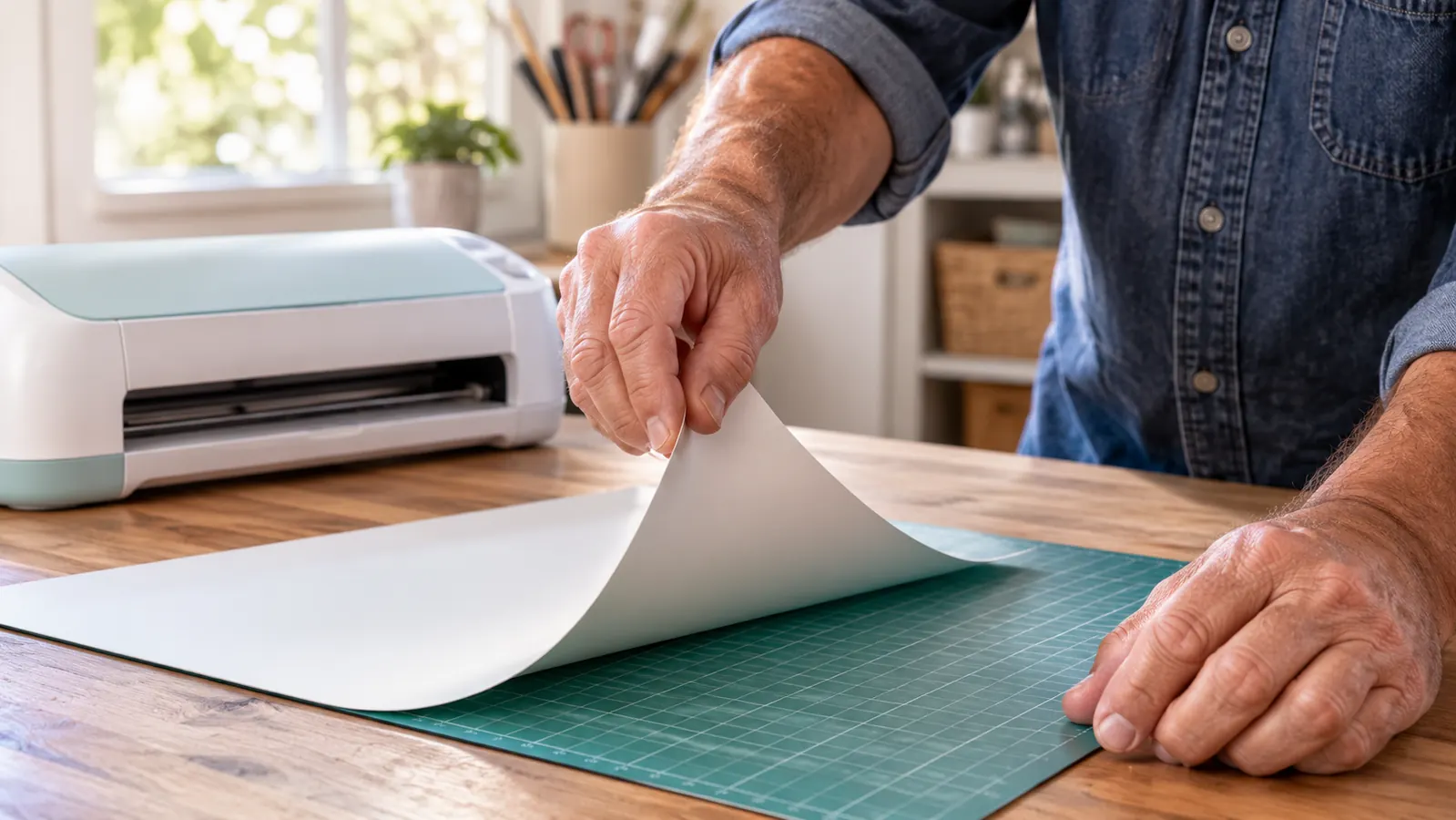
Cricut lists more than fifty materials for this machine. The ones I actually use are heat transfer vinyl, adhesive vinyl, cardstock, and sticker paper. For shirt orders, HTV is the whole game. It cuts cleanly, it weeds without tearing on letters with tight counters, and the fine point blade that comes in the box has held up through several hundred small jobs. I have not replaced a blade yet, though I keep a spare on hand, because blade failures always happen on a deadline.
Cardstock is where I was pleasantly surprised. I make tent cards for a booster club concession stand and small folded tags for a friend who sells soap at the same markets I do. The machine handles both without the ragged edges I half expected from a compact unit. Stickers are the other reliable win, and I will come back to that in a minute, because that is where the Print Then Cut feature earns its place in a small shop like mine.
Cardstock weight matters more than people expect, so here is what I actually run. Sixty five pound stock for folded tags, eighty pound stock for tent cards that have to stand up on a concession table without flopping, and a lighter weight for the little thank you cards I tuck into orders. The machine cuts all three without tearing, but the eighty pound stock needs a careful second look at the corners if my blade is getting dull. I check the blade on the first tag of every batch now, because a tired blade on cardstock shows up as a fuzzy corner rather than a clean cut, and customers do notice fuzzy corners on a table.
Weeding is the step people forget to ask about, and it is where a cheap cut shows itself. If the blade drags or the pressure is off, you get vinyl that lifts in the wrong places and letters that tear at the corners. On the Joy Xtra I weed small letters with a mini weeder and I am usually done in a couple of minutes. That sounds like a small thing until you have spent twenty minutes rescuing an eight letter name from a bad cut on another machine.
What it will not do is take the place of a larger machine for high volume or big single pieces. If your order is fifty back of shirt prints, you will feel the size of this thing very quickly. Not because it cuts badly, but because you will be feeding it more often and reloading more often. I still run the bigger jobs on the bigger machine. The Joy Xtra handles the numbers, the names, the tags, the decals, and the small parts of a job that used to eat an entire evening.
Twenty two player numbers, one sheet at a time, and it never missed a cut while the big machine sat dead on the table.
The Print Then Cut Feature Is the Part I Underrated
When I bought it I thought Print Then Cut was a novelty. You design something in full colour, print it on an ordinary inkjet printer, feed the sheet into the machine, and it cuts around the printed shapes. The listing notes the inkjet compatibility, and I want to be clear that you need a printer you already own, because the machine does not print anything itself. I assumed that was obvious. A woman at a market asked me twice, so apparently it is not.
Where this earns its keep is stickers and labels. I print a sheet of labels for the soap seller, cut them, and she has packaging that looks like it came from a print shop. I also do name tags for the booster club volunteer table and printed cupcake toppers for a school fundraiser. None of that is possible with a plain vinyl cutter, and all of it takes about fifteen minutes once the file is ready. That single feature has brought me more repeat customers than any shirt I have made.
The soap seller order is the one I use as my own test case. Sixty labels, two sheets of stock, and a design with a thin border running all the way around. The first sheet came out with the cut drifting slightly low on the right side, which is invisible on a plain sticker and very visible on a bordered one. I reprinted on a fresh sheet, made sure the printer had pulled the paper through square before I touched anything, and the second sheet was clean. Now I print one test sheet on any new stock, every single time, and I load the paper tray properly instead of shoving it in and hoping.
The catch is registration. If your printer pulls a sheet slightly crooked, the cut will be slightly crooked too, and you will notice it on a sticker with a border. I do not skip that test sheet anymore. It cost me one whole sheet of labels to learn the lesson, which is cheap as lessons go, but I would rather you learned it from me than from your own wasted stock.
Where It Genuinely Struggles
I want to be fair about the friction, because most reviews of this class of machine read like the writer has never missed a deadline. The first struggle is throughput. There is no way around it. The active cutting surface is just under ninety six square inches, so anything larger than that gets split, tiled, or handed to a different machine. Ninety six square inches sounds like plenty until you are looking at a design that needs to wrap around a shirt back.
The split design problem is the one that bites hardest. I had a design for a family reunion shirt that would not fit the cutting area in one pass. Tiling means splitting the artwork, lining up two cuts by hand, and pressing them so the join does not show under a customer's eye. I did it once for a small banner for the booster club table, it looked fine at arm's length, and I decided I would rather hand anything that size to the big machine and keep the Joy Xtra for the parts of a job it does well.
The second struggle is the sheer number of steps in a job that looks simple from the outside. A shirt is not one task. It is a design, a cut, a weed, a press, and a cool. When the cutting step is fast, you notice how much of the job is everything else. That is not the machine's fault, but new buyers consistently underestimate it and then blame the tool. The machine is the quickest part of my workflow. The pressing is what takes the afternoon.
The third struggle is material handling with small offcuts. A small mat plus a small piece of vinyl plus a design that sits near the edge equals a cut that drifts. I tape my offcuts down now, every single time, and the misfires stopped. It took three wasted pieces of heat transfer vinyl to build that habit. If you take one practical thing from this review, take that one, because it will save you more than any setting tip I could give you.
What I Liked
- Cuts heat transfer vinyl, adhesive vinyl, cardstock and sticker paper cleanly
- Print Then Cut turns an ordinary inkjet printer into a sticker and label setup
- Compact enough to live on the worktable between orders
- Ships with the fine point blade, fine point pen, mini weeder, USB cable and power adapter
- Runs from a laptop, tablet or phone
- One year manufacturer warranty
- Includes thirty bonus digital images with purchase
Where It Falls Short
- Small active surface means larger designs get tiled or handed off
- Does not print anything itself
- Slow for high volume orders
- Offcuts need taping or the cut drifts
- A companion machine, not a replacement for a full size cutter
Setup, Sound, and the Small Annoyances
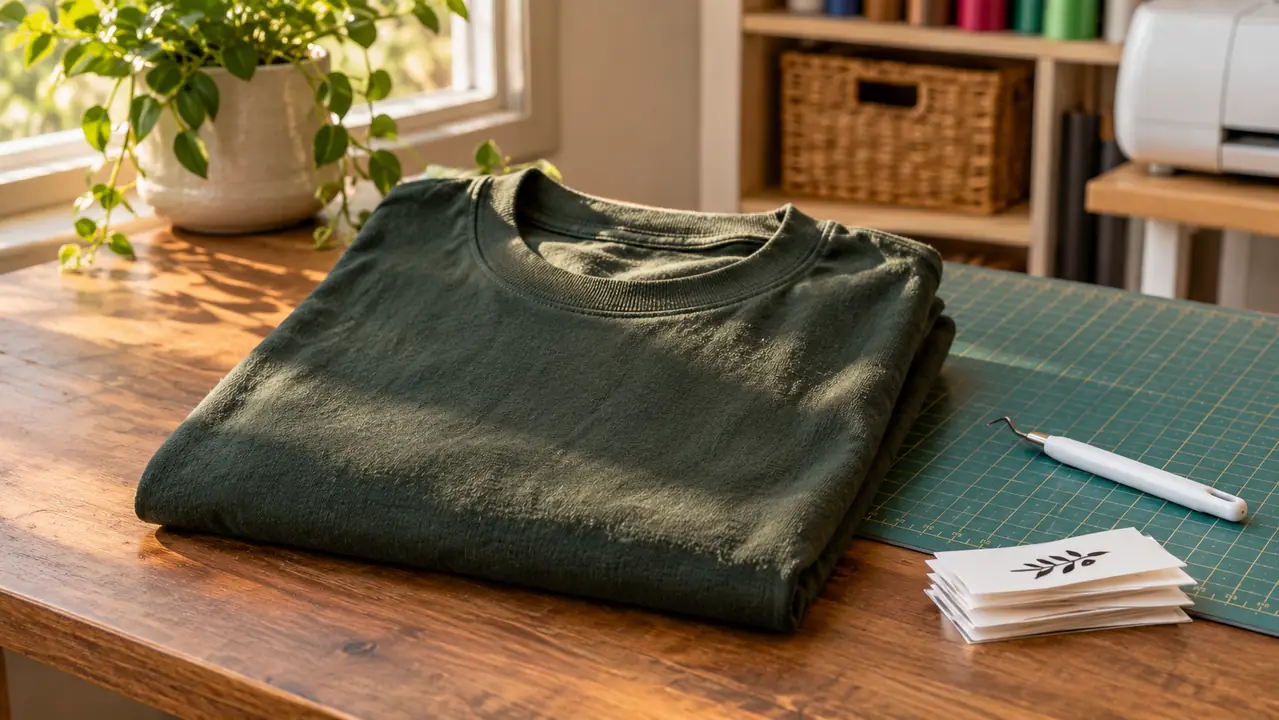
Setup took me about forty minutes including the software. The box has the machine, the fine point blade, a fine point pen, a mini weeder, a welcome card, a USB cable, and the power adapter. The machine is light, with the listing putting it at 250 grams, so it is easy to shift between the worktable and a shelf when I need the space back for pressing. The one year manufacturer warranty is standard, and I have not had to use it, which is the only review of a warranty anyone can honestly give.
The sound is a low mechanical whir, quieter than my bigger machine and quiet enough that I can take a phone call in the next room while it works. The annoyances are small and specific. The mat picks up lint, so I wipe it down before a sticker run. The blade housing collects tiny slivers of material that I clear with a pair of tweezers every few weeks. And the welcome card plus the bonus digital images are nice, but thirty images go by faster than you would think once you start making things for other people.
Who This Is For
This is for the person who already makes things and keeps hitting a wall on small jobs. If you sell at markets, if you take team and club orders, if you make stickers and labels and tags, the Joy Xtra will earn its spot on the table. It is also a sensible first machine for someone who wants to learn vinyl and heat transfer work without giving up an entire table to a large cutter. My rule of thumb after four years of this: buy for the work you actually do on a Tuesday night, not the work you imagine doing someday.
Who Should Skip It
Skip it if your order book is full of large single pieces. Skip it if you expect the machine to print, because it does not. Skip it if you are not prepared to own an inkjet printer and learn how registration works, because the sticker side of this machine is only as good as the printer feeding it. And skip it if you are looking for one machine to do everything, because you will spend more time working around its size than you would have spent saving for the right tool in the first place.
There is also an honesty point about expectations. A cutting machine does not make a business. It makes a shirt. The orders, the pricing, the customers, and the Saturdays spent loading a car all come from you. I say this because I have watched people buy a machine and then get quietly discouraged when the work did not appear on its own. The machine is the easy part. The rest is the actual job, and the Joy Xtra just makes a portion of that job faster and tidier.
What I Would Do Differently
I would have bought it a year earlier and stopped pretending the big machine was fine for every small job. I would have set up a dedicated tablet from day one instead of fighting for my phone between cuts. And I would have bought a second mat, because there is a specific kind of frustration that comes from finishing a cut and realising you have to peel a mat before you can start the next one. None of that is dramatic. It is just the difference between a machine that sits on a shelf and a machine that gets used.
If you make small things, this is the small machine
A compact cutter that handles the numbers, names, tags and stickers while the big jobs wait for a bigger table. Check today's price and what comes in the box.
Amazon Check Today's Price on Amazon →